Imagine a chiropractic clinic in Wichita, Kansas, launching a redesigned website with updated treatment pages, helpful patient resources, and a convenient appointment booking system.
The website looks professional, loads properly for visitors, and contains valuable information. However, several important service pages aren’t appearing in Google Search.
The clinic owner assumes the content needs improvement. But the real problem could be happening before Google even evaluates that content.
Perhaps Googlebot encounters server errors, robots.txt blocks important URLs, or weak internal linking makes certain pages difficult to discover.
This is where Google Search Console becomes essential.
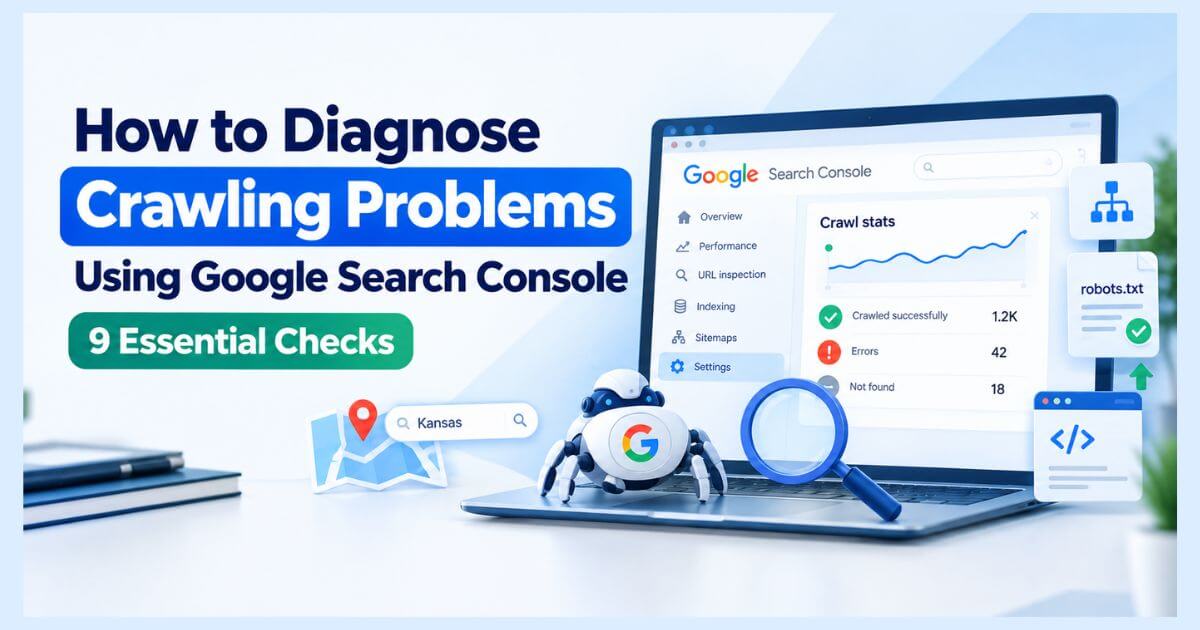
To diagnose crawling problems using Google Search Console, examine the Crawl Stats report, review Googlebot’s access to your website, inspect affected URLs, identify server and robots.txt errors, and verify that important pages are discoverable.
This guide explains how to identify crawling issues, understand Google’s diagnostic reports, and apply practical Technical SEO solutions.
What Are Google Crawling Problems, and Why Do They Matter?
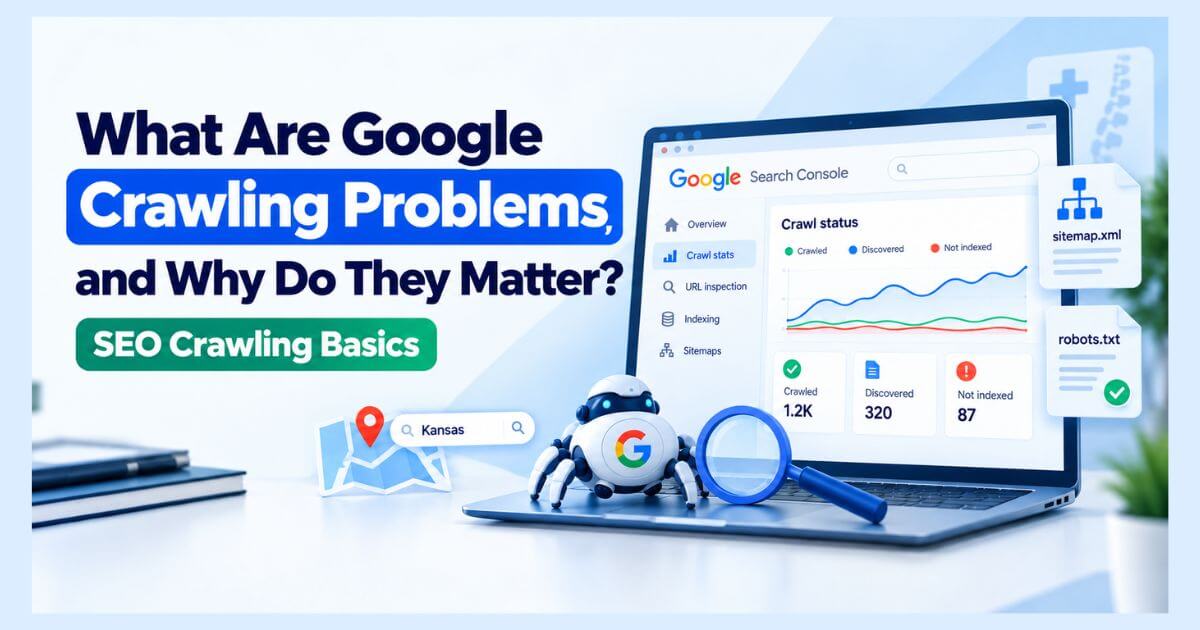
A crawling problem occurs when a search engine has difficulty discovering, requesting, or accessing website content.
Google Search generally involves three connected processes:
- Discovery: Google finds URLs through links, sitemaps, and other sources.
- Crawling: Googlebot requests website resources.
- Indexing: Google processes content and determines whether to include it in its search index.
Crawling and indexing are not interchangeable.
A page can be crawled successfully without being indexed. Likewise, Google may know about a URL without having crawled it.
For Kansas chiropractic businesses, crawling problems can affect access to important service information, practitioner profiles, and appointment pages.
Common causes include robots.txt restrictions, server errors, DNS failures, redirect loops, and poor URL discovery.
The goal of crawling optimization is to make important website content reliably accessible—not to force Google to crawl every URL.
Why Use Google Search Console to Investigate Crawl Errors?
Google Search Console provides information about how Google interacts with your website.
Three features are particularly useful:
| Search Console Feature | Diagnostic Purpose |
| Crawl Stats | Reviews Googlebot requests, server responses, and host availability |
| URL Inspection | Examines crawling and indexing information for individual URLs |
| Page Indexing | Identifies page groups with indexing or access-related problems |
The Crawl Stats report is primarily designed for advanced investigations and is available for root-level Domain or URL-prefix properties.
For smaller websites, URL Inspection may be sufficient to investigate an isolated problem.
Search Console does not provide a complete URL-by-URL crawling history. Server logs are more appropriate when you need detailed request-level evidence.
Step 1: Identify Important URLs and Confirm Your Search Console Property
Before investigating technical errors, identify which pages matter most.
For a Kansas chiropractic clinic, these may include:
- Homepage
- Chiropractic service pages
- Practitioner information
- Location and contact pages
- Appointment booking page
Open Google Search Console and select the correct website property.
Check that you’re investigating the intended domain, protocol, and hostname.
For example, a website might use https://example.com/ as its preferred address while older links still reference another variation.
Next, record which important URLs are missing from Google’s index or showing unexpected behavior.
Action: Create a priority URL list and document the symptoms before making changes.
Step 2: Examine the Crawl Stats Report for Critical Host Problems
Navigate to:
Google Search Console → Settings → Crawl Stats
The report provides information about Google’s crawling history.
Review:
- Total crawl requests
- Average response time
- Total download size
- Host availability
- Crawl responses
- Googlebot type
- Crawl purpose
Start with Host status.
Google reports availability information related to:
- Robots.txt fetching
- DNS resolution
- Server connectivity
Suppose a Kansas chiropractor’s website begins experiencing hosting interruptions after a major update.
The Crawl Stats report may reveal an increase in availability errors during that period.
This provides useful evidence that the issue could be server-related rather than purely content-related.
Action: Investigate recent availability warnings and compare their timing with hosting changes or website updates.
Step 3: Analyze Googlebot Response Codes to Find Crawl Failures
HTTP response codes help explain what happens when Googlebot requests a resource.
In Crawl Stats, review the Crawl responses breakdown.
| HTTP Status | Meaning | Recommended Check |
| 200 | Successful request | Confirm the expected content is served |
| 301 / 308 | Permanent redirect | Verify the final destination |
| 403 | Access forbidden | Investigate unintended access restrictions |
| 404 | Page not found | Determine whether removal is intentional |
| 429 | Too many requests | Investigate rate limiting |
| 500 | Internal server error | Check server or application failures |
| 503 | Service unavailable | Investigate temporary or persistent outages |
Not every non-200 response represents an SEO problem.
For example, an intentionally removed chiropractic service page may correctly return 404.
However, persistent 5xx errors or excessive 429 responses can cause Google to reduce crawling.
Google’s HTTP status code documentation explains how different responses affect crawler behavior.
Action: Focus on recurring errors affecting important resources and investigate whether they reflect wider website problems.
Step 4: Identify Unusual Crawl Patterns and Googlebot Activity
The Crawl Stats report also categorizes requests by:
- File type
- Crawl purpose
- Googlebot type
- Response time
The Crawl purpose breakdown distinguishes discovery requests from refresh requests.
Discovery refers to URLs Google has not previously crawled. Refresh refers to revisiting known URLs.
For example, a Kansas chiropractic website might publish several new treatment pages without providing clear internal links.
If Google has difficulty discovering them, the problem may involve URL discovery rather than a server failure.
Review changes in crawl volume alongside response times and errors.
A sudden decline in requests does not automatically indicate a penalty.
Possible explanations include reduced crawl demand, recent robots.txt changes, or website availability problems.
Action: Compare trends rather than interpreting one day’s crawl count in isolation.
Step 5: Inspect Individual URLs to Diagnose Access Problems
Use the URL Inspection tool when a specific page appears problematic.
Enter the complete URL into Search Console.
Review the available information:
- Last crawl
- Crawled as
- Crawl allowed?
- Page fetch
- Indexing allowed?
- Google-selected canonical
Then select Test Live URL to examine the current page.
For example, a chiropractic service page in Topeka might have failed during Google’s previous crawl but now load successfully.
The indexed information may still reflect the earlier failure, while the live test shows the current condition.
This distinction is important.
A successful live test does not guarantee that Google has indexed the page.
You can also inspect rendered HTML and resources when investigating JavaScript-related access problems.
Action: Compare historical and live information before deciding whether an issue has already been resolved.
Step 6: Detect Robots.txt Restrictions and Googlebot Access Blocks
A robots.txt file tells compliant crawlers which website paths they may request.
Check:
https://example.com/robots.txt
Review rules applying to Googlebot.
A restrictive example is:
User-agent: Googlebot
Disallow: /services/
This instruction prevents Googlebot from crawling URLs under /services/.
If a Kansas chiropractic website accidentally applies this rule to its public treatment pages, important information may become inaccessible to Googlebot.
To diagnose the issue:
- Review the robots.txt file.
- Check the affected URL in URL Inspection.
- Confirm whether crawling is blocked.
- Correct unintended restrictions.
- Retest the URL.
Also investigate robots.txt availability failures. A persistently unavailable robots.txt file can interfere with crawling.
Important: Robots.txt controls crawling, not guaranteed removal from Google’s index. Use appropriate indexing controls when the goal is to exclude a page from search.
Action: Ensure public, business-critical content is not accidentally blocked.
Step 7: Investigate URLs Marked “Discovered – Currently Not Indexed”
Open:
Search Console → Indexing → Pages
Find the status:
Discovered – currently not indexed
This generally indicates that Google knows about a URL but has not crawled it yet.
Possible contributing factors include:
- Recently published pages
- Limited internal linking
- Server capacity constraints
- Crawling priorities
- Large numbers of discovered URLs
For a Kansas chiropractic clinic, newly published treatment pages may remain in this category for some time.
Before changing the content, confirm that Google can discover and access the URLs.
Check internal links, sitemap entries, robots.txt rules, and website availability.
Do not confuse this status with Crawled – currently not indexed, which indicates that Google has already retrieved the page.
Action: Identify whether the issue involves delayed crawling, discovery, or technical accessibility before pursuing indexing-specific improvements.
Step 8: Strengthen Internal Linking and XML Sitemap Discovery
Google discovers pages through links and other signals, including XML sitemaps.
Poor website architecture can make important URLs difficult to find.
For example, a Kansas chiropractic website might have this structure:
Homepage → Chiropractic Services → Treatment Page → Appointment Page
If the treatment page is missing relevant internal links, Google may have fewer opportunities to discover it.
Review whether:
- Important pages have crawlable HTML links.
- Internal links point to the correct URLs.
- XML sitemaps include intended canonical pages.
- Redirect chains unnecessarily complicate discovery.
- Mobile navigation includes important links.
Submit or update the sitemap through Indexing → Sitemaps when necessary.
A sitemap supports URL discovery but does not guarantee crawling or indexing.
Action: Improve the discoverability of important pages through logical navigation and relevant internal linking.
Step 9: Verify Technical Fixes and Monitor Googlebot Crawling
After identifying the issue, implement the appropriate correction.
For example:
- Remove unintended robots.txt restrictions.
- Resolve persistent server errors.
- Fix broken important URLs.
- Repair redirect loops.
- Restore crawlable internal links.
- Improve server reliability.
Then verify the changes.
Use URL Inspection to test affected pages and review Crawl Stats for broader patterns over time.
If you need to confirm exactly when Googlebot requested a particular URL, inspect verified crawler activity in your server logs.
Search Console’s example requests are not a complete crawl history.
Action: Maintain a technical issue log containing the affected URL, diagnosis, fix, verification date, and monitoring outcome.
Google may take time to revisit updated URLs, and successful crawling does not guarantee indexing or higher rankings.
How Does Technical SEO Support AI Search Optimization?
Crawlability is an important foundation for both traditional Google Search and AI-powered search experiences.
For Kansas chiropractic businesses, accurate relationships between entities help clarify their online presence:
Chiropractic Clinic → Chiropractor → Services → Kansas Location → Patient Information
Technical SEO supports access to these details through crawlable pages, reliable rendering, appropriate internal links, and accurate website information.
Google confirms that pages must meet normal Search eligibility requirements to appear as supporting links in AI Overviews or AI Mode.
There is no special technical optimization that guarantees AI citations.
Nurul Rovan, an SEO Consultant and AI Search Optimization Specialist, approaches these challenges by connecting technical accessibility, website structure, and business relevance.
Explore AI Search Optimization for Kansas businesses to learn more.
Essential Google Search Console Crawling Checklist
Before completing your investigation, verify:
- The correct Search Console property is selected.
- Important website URLs have been identified.
- Crawl Stats shows no unresolved critical host failures.
- Persistent server errors have been investigated.
- Googlebot isn’t unintentionally blocked by robots.txt.
- URL Inspection confirms current page accessibility.
- Discovery and indexing statuses are interpreted correctly.
- Important URLs have useful internal links.
- XML sitemaps contain appropriate URLs.
- Fixes have been tested and monitoring is in place.
Final Thoughts: Diagnose Crawling Problems Before Making SEO Changes
Google crawling problems can prevent valuable website content from being discovered and processed correctly.
For Kansas chiropractors and other small businesses, the most effective approach is to identify business-critical URLs, investigate Googlebot behavior, and fix verified technical barriers.
Google Search Console provides the starting point for understanding these problems.
By combining crawl diagnostics with technical website maintenance, clear internal linking, and accurate business information, you can create a stronger foundation for search visibility and AI Search Optimization.
Need Expert Help Diagnosing Google Crawling Problems?
Not every crawling issue has an obvious cause.
Nurul Rovan provides research-driven Technical SEO consulting focused on crawling, indexing, website architecture, and search accessibility for businesses targeting Kansas markets.
His approach emphasizes identifying root causes and prioritizing technical improvements according to business needs.
Ready to find out what’s preventing Googlebot from accessing your important pages?
Explore Technical SEO Expert Kansas — Nurul Rovan to learn about technical website audits and SEO consulting.
You can also learn more about Nurul Rovan and his approach to Technical SEO and AI Search Optimization.
Frequently Asked Questions About Google Crawling Problems
How do I check crawling errors in Google Search Console?
Open Settings → Crawl Stats to review host availability, crawl responses, and Googlebot activity. Use URL Inspection to investigate specific URLs and the Page Indexing report to identify affected page groups.
Why is Googlebot not crawling my website?
Possible reasons include robots.txt restrictions, server errors, poor URL discovery, reduced crawl demand, or recent publication. Check Search Console and investigate the affected URLs before making changes.
What is the difference between crawling and indexing?
Crawling means Googlebot requests a webpage. Indexing means Google processes that content for potential inclusion in search results. A crawled page is not necessarily indexed.
Can I force Google to crawl a page?
No. You can request indexing through URL Inspection and provide URLs through XML sitemaps, but Google determines when and whether to crawl them.
Does fixing crawling problems improve Google rankings?
Fixing crawling problems can remove barriers preventing Google from accessing important content. However, rankings also depend on relevance, content quality, competition, and other factors.
